- An IndiaMART CRM puts every enquiry in one list with an owner, a stage and a next action.
- Buyers often ask several suppliers, so a fast and clear first reply matters.
- Track enquiries to orders by source, so you know whether IndiaMART is worth the spend.
- GL Funnel captures IndiaMART, Facebook, website and walk-in leads in one pipeline.
An IndiaMART CRM brings every IndiaMART enquiry into one shared list, gives each lead an owner, reminds your team when to follow up and shows which enquiries become orders. It stops leads from sitting in a mobile app or an inbox while a competitor replies first.
Why IndiaMART enquiries go cold
An IndiaMART enquiry is usually a buyer who is already looking for a product. That is valuable, and it is also time-sensitive. Common ways sellers lose these leads:
- The enquiry arrives on one person’s phone, and nobody else knows it exists.
- Two people call the same buyer, or nobody does because each thought the other would.
- The first reply is slow, and the buyer has already spoken to another supplier.
- Follow-ups depend on memory, so a quote is sent and then forgotten.
- Nobody records what happened, so you cannot tell whether IndiaMART pays for itself.
What a CRM changes for IndiaMART leads
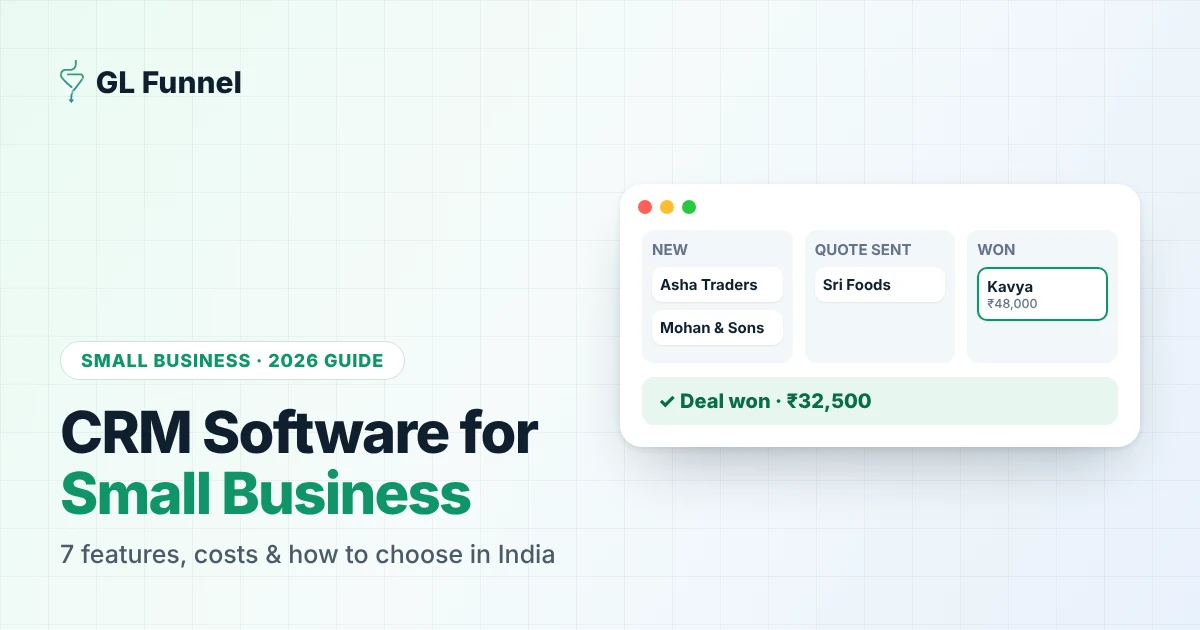
A CRM turns each enquiry into a lead record with an owner, a stage and a next action. Instead of scrolling an app, your team works from one list that shows who to call next.
- One list for all sources. IndiaMART, Facebook lead ads, website forms and walk-ins land together, so you can compare them fairly.
- A named owner for every lead. Each enquiry is assigned to a salesperson, so there is no double calling.
- Follow-up reminders. Every lead carries a next action and a date.
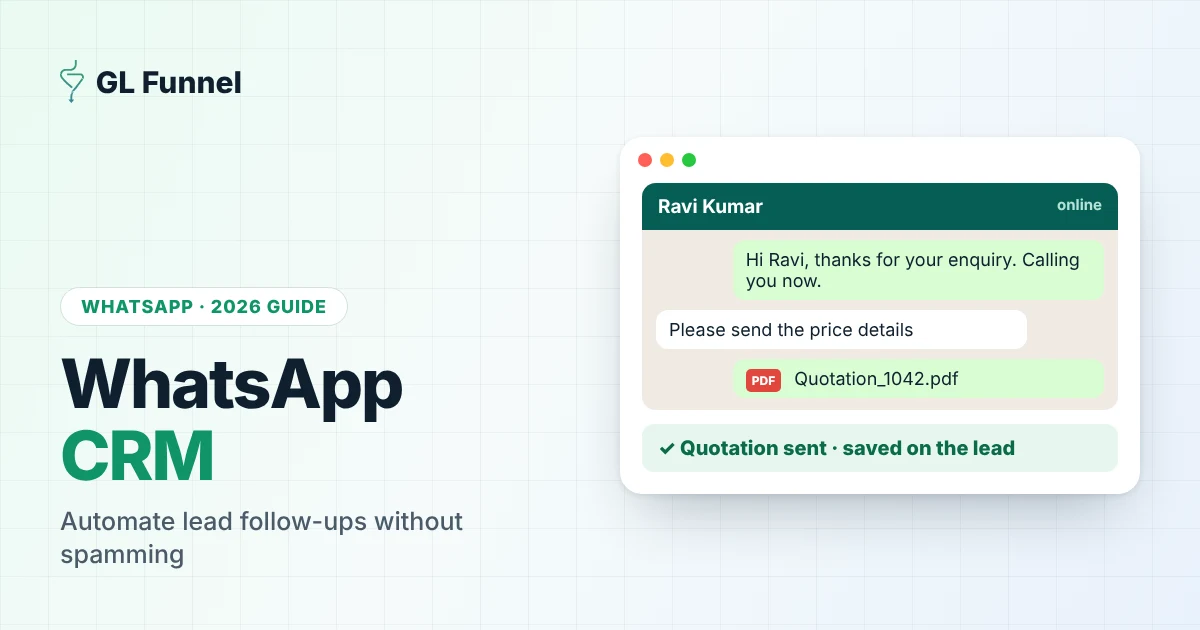
- Quotations and messages from the lead. Send a GST quotation and follow up on WhatsApp without leaving the record.
- Call history. With SIM call recording, the conversation stays attached to the lead.
6 steps to manage IndiaMART leads in a CRM
- 1
Decide who owns new enquiries
Choose a rule, such as by product line or by city, so every lead has an owner at once.
- 2
Set a reply target
Agree how quickly the first call or message should go out, and measure it every week.
- 3
Keep four or five stages
For example New, Contacted, Quote sent, Negotiation and Won or Lost.
- 4
Record the reason for every lost lead
Price, timing, no response or wrong product. These reasons guide your next decisions.
- 5
Follow up on WhatsApp
Send the quotation, then a short reminder. Read our WhatsApp CRM guide for the permission rules.
- 6
Review results every week
Count enquiries, replies, quotes and orders by source and by person.
Buyers often ask more than one supplier. Agree a first-reply target and measure it every week.
How to tell if IndiaMART is worth it
Many sellers judge IndiaMART by the number of enquiries. A better measure is the cost per order. Track four numbers for each source: enquiries received, enquiries answered within your target time, quotes sent and orders won. Divide your spend by the orders won. When the same view covers Facebook ads and your website, you can move budget to the source that brings paying customers.
Where GL Funnel fits
GL Funnel CRM captures leads from IndiaMART, Facebook, your website and walk-ins, scores them with AI, supports WhatsApp follow-ups and GST quotations, and records calls from the SIM. Setup, data import, onboarding and training by the Chennai team are included. The CRM is priced per licence per month, with a minimum of 3 licences. See the pricing page for current rates.
Frequently asked questions
What is an IndiaMART CRM?
An IndiaMART CRM is a CRM that brings your IndiaMART enquiries into one shared list, assigns each to a salesperson, reminds the team to follow up and shows which enquiries turn into orders.
Can GL Funnel capture IndiaMART leads?
Yes. GL Funnel captures leads from IndiaMART, Facebook, your website and walk-ins into one pipeline. The Chennai team helps with setup.
Why do IndiaMART leads go cold so quickly?
Buyers often send an enquiry to more than one supplier, so the supplier who replies first and clearly usually has the advantage. Late or forgotten follow-ups lose leads.
How do I know whether IndiaMART is worth the money?
Track every enquiry to its outcome in a CRM. When you can see how many enquiries became orders and what they were worth, you can compare IndiaMART with your other lead sources.