- Leads downloaded as a file wait for someone to open it. An integration sends them straight to the CRM.
- A good setup assigns an owner, alerts the salesperson and sends the first message in seconds.
- Test with your own phone number before you spend on ads.
- Track leads against sales by campaign, so budget follows results and not just lead counts.
Facebook lead ads CRM integration sends every lead from your Facebook and Instagram lead forms straight into your CRM, so a salesperson can call within minutes instead of waiting for someone to download a sheet. If you run Meta ads and your leads still sit in a list or an Excel file, this is the fastest improvement you can make.
The problem: leads that wait
When someone fills a lead form, they are interested right now. Many businesses still open the leads list in Meta, download a file, and forward it on WhatsApp. That adds hours of delay. Leads get missed, duplicated or called twice, and nobody knows which campaign produced a real customer.
Spreadsheet routine
Connected to your CRM
What a CRM integration does
- Captures the lead instantly with name, phone, email and the answers to your form questions.
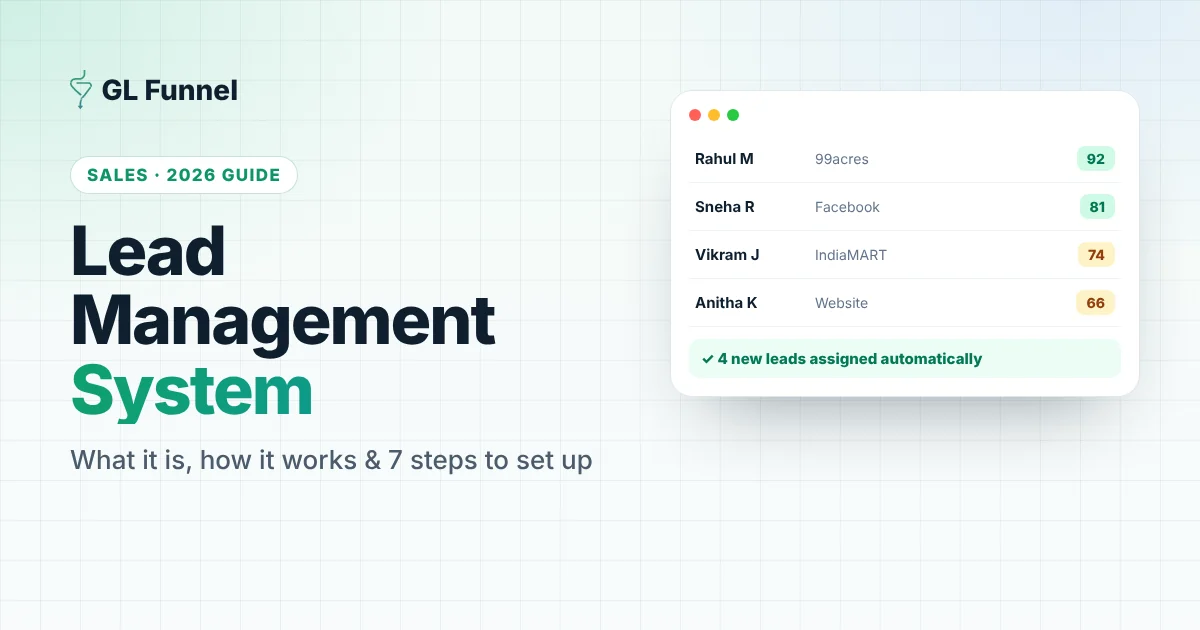
- Assigns it automatically to the right salesperson, by round-robin, location or product.
- Alerts your team so the first call happens quickly.
- Starts follow-up such as a WhatsApp message with details.
- Tracks the result, so you can see which campaign and which ad brought customers, not only leads.
Checklist: set it up properly
- 1
Keep the form short
Name, phone and one or two qualifying questions are enough. Long forms reduce leads.
- 2
Ask a qualifying question
such as budget, location or timeline, so your team can prioritise.
- 3
Connect the form to your CRM
and test with a real submission before you spend budget.
- 4
Set assignment rules
Decide who gets which leads and what happens if nobody responds.
- 5
Set a response target
For example, first call within a few minutes during working hours.
- 6
Tag the source and campaign
on each lead so reports show cost per qualified lead, not just cost per lead.
- 7
Review weekly
Remove sources that bring junk and move budget to those that bring sales.
Submit a test lead from your own phone and confirm it reaches the CRM, gets an owner and triggers the first message.
Common mistakes
- Chasing cheap leads. A low cost per lead means little if nobody picks up the phone. Measure cost per site visit, demo or sale.
- No owner for the lead. If a lead belongs to everyone, nobody calls.
- Ignoring duplicates. The same person may submit twice. A good CRM flags duplicates.
- Never closing the loop. Tell your ad team which leads became customers so ads can improve.
How GL Funnel handles Meta leads
GL Funnel captures leads from Facebook Lead Ads, IndiaMART, property portals, website forms and walk-ins into one pipeline and assigns them to your team. AI scoring helps your team call the best leads first. Then GL Funnel CRM reports show leads and wins by source. If you want help running the ads too, see the AI Marketing Engine, which tests and runs Meta ads and sends the leads into your CRM. You can also request a Meta Ads Audit to find where your ad money is leaking.
Frequently asked questions
What is Facebook lead ads CRM integration?
It is a connection that sends every lead from your Facebook and Instagram lead forms straight into your CRM, so the lead is assigned to a salesperson and followed up without anyone downloading a file.
Why not just download leads from Meta every day?
Manual downloads add delay and errors. By the time a file is downloaded and shared, the customer may have enquired with a competitor. Automatic capture gets the lead to a salesperson in moments.
How fast should I respond to a Facebook lead?
As fast as you can. The first call or message within minutes is the best target, because the person is still thinking about your offer. Use auto-assignment and instant alerts so nobody waits.
Can GL Funnel capture Facebook leads automatically?
Yes. GL Funnel captures leads from Facebook Lead Ads, IndiaMART, property portals, website forms and walk-ins into one pipeline and assigns them to your team.